> For the complete documentation index, see [llms.txt](https://docs.rekap.com/api/llms.txt). Markdown versions of documentation pages are available by appending `.md` to page URLs; this page is available as [Markdown](https://docs.rekap.com/api/product-guide/tools-and-features/workflows.md).
# Workflows
The Workflow feature processes data through various customizable nodes, enabling sophisticated data manipulation and output delivery.
The Workflow Feature is a powerful and intuitive tool designed to streamline and automate your tasks. Whether you're analyzing transcripts, tracking action items, or processing a large number data, this feature provides a flexible solution to cater to various needs.
***
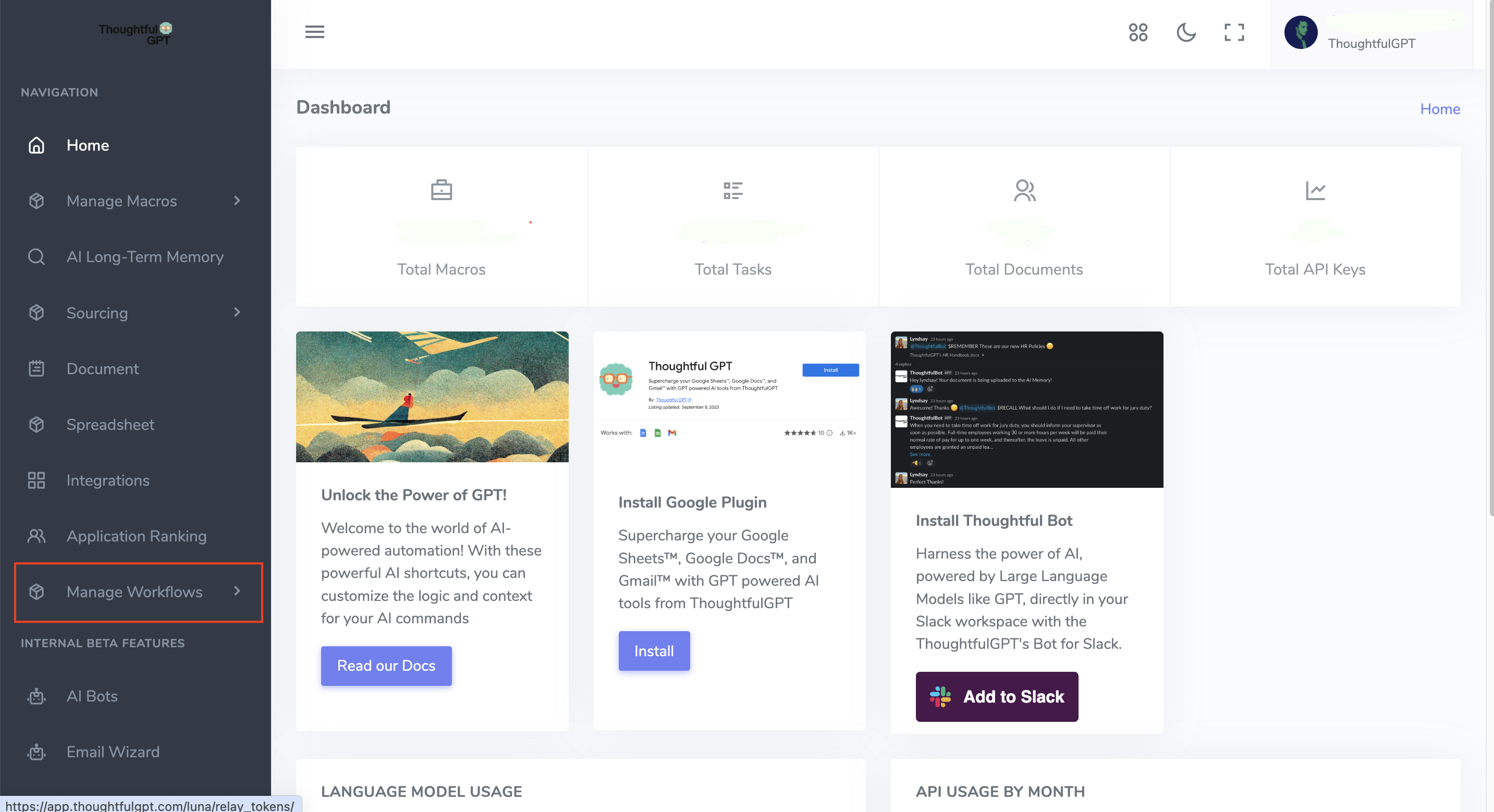
Access the Workflow feature through your account dashboard by navigating to "Manage Workflow" on the left side of your screen.
The Workflow builder constructs a non-cyclic graph where each node processes data and passes outputs to subsequent nodes. Nodes without dependent nodes are identified as starting nodes, which receive seed data if available.
#### Seed Data
* Text: When text is used as seed data, it is passed directly to the starting nodes.
* CSV: For CSV inputs, the workflow executes once per row. Each starting node receives the current row's data, allowing for individual row processing.
## Node Types
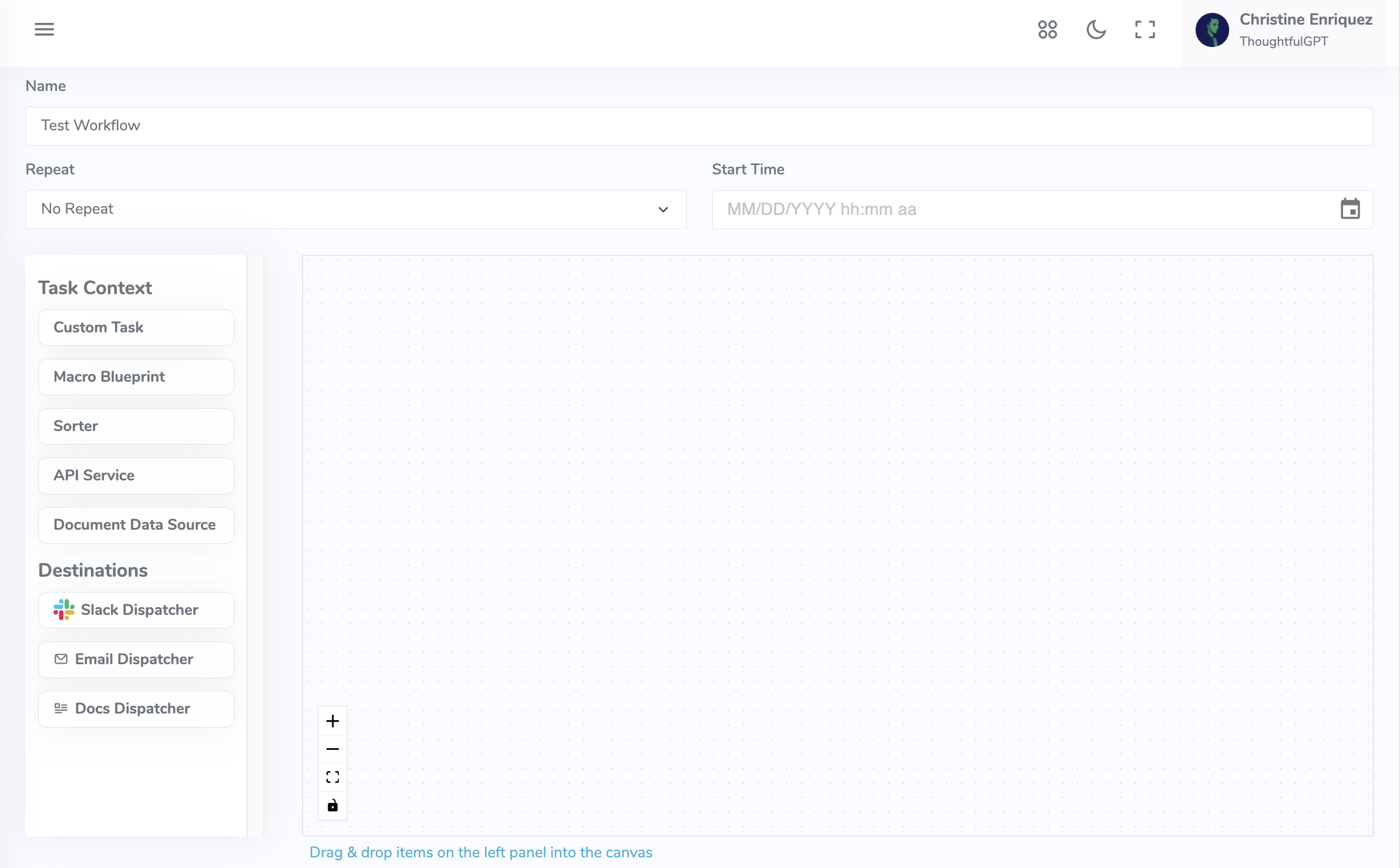
Task Nodes
Task nodes can receive data from other nodes or seed data. They always produce an output and are recognized by a unique, editable label. Types of task nodes include:
1. **Custom Tasks:**
* Use an AI model with a user-provided prompt to process inputs.
* Optionally utilize a Jinja-based template language to reference results from previously executed nodes or access seed data, with the ability to index CSV data by column headers.
* If template rendering is disabled, the input is the concatenation of all texts passed to this node.
2. **Macro Blueprint:**
* Concatenates all inputs, processes them through a user-specified AI macro, and outputs the result.
3. **Sorter:**
* Text mode: Orders node results to organize data for subsequent nodes.
* CSV mode: Reorganizes column results based on the input order.
4. **API Service:**
* Executes an API request and outputs the result. In CSV mode, it replicates the result for each row.
5. **Google Docs Data Source:**
* Extracts text from a specified Google Document as output. In CSV mode, the result is replicated across rows.
Dispatcher Nodes
Dispatchers handle the output from task nodes by delivering or storing data, without producing further workflow outputs. Types include:
1. **Slack Dispatcher:**
* Sends results via a Slack private message. In CSV mode, it sends the modified CSV with results appended.
2. **Email Dispatcher:**
* Send results via email. In CSV mode, it sends the modified CSV with results appended.
3. **Google Docs Dispatcher:**
* Creates a Google Document with the results. In CSV mode, a Google Spreadsheet is created with the original and result data concatenated.
Nodes are linked based on their dependencies, forming a directed graph. Data flows from the starting nodes through task nodes, processed according to the node types and settings, and finally dispatched through dispatcher nodes as configured.